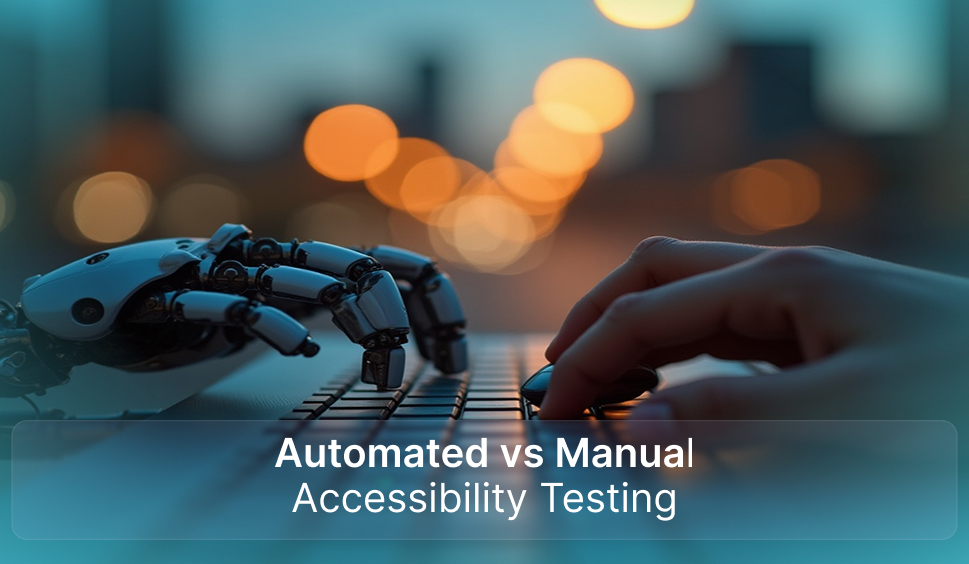
Automated vs. Manual Accessibility Testing
There are benefits and drawbacks to both when you require manual testing to make your website accessible, and when automated testing is enough. Which one works best for you depends on what you are testing and when. Keep reading this blog to know about automated vs manual accessibility testing, and when you may need each of them.
What is Automated Accessibility Testing?
Automated accessibility testing uses tools that scan your website for common issues that could impact users with disabilities. By simply entering a URL, these tools rapidly generate a report highlighting issues such as missing alt-text for images, poor color contrast, broken links, or messy code. It’s a quick and easy way to recognize and fix basic accessibility problems.
Examples of issues caught by automated tools include:
- Missing alt-text for images: These tools can effortlessly spot if an image lacks a description, which is important for users dependent on screen readers.
- Insufficient color contrast: Automated tests could compare the HEX values of text and background colors to ensure readability for those with visual impairments.
- Empty links or buttons: These are flagged as misplaced interactive elements that delay navigation.
- Missing labels or improper form fields: Such concerns are flagged as they stop users with disabilities from navigating forms efficiently.
Advantages of Automated Testing:
- Speed and Efficiency: Automated tools could rapidly scan a whole site and highlight issues within minutes.
- Repetitive Tasks: Automated testing is ideal for ongoing accessibility checks, particularly after regular content updates or design changes.
- Convenience: Automated tests can be set up to run frequently and even alert you when new issues are detected, making it perfect for websites with repeated content changes.
When to Use Automated Testing:
- After Updating Site Content: Consistent scans help find accessibility issues that may arise from new content or functionality.
- During Regular Accessibility Maintenance: Automated testing should be a part of your routine maintenance to ensure the constant accessibility of your site.
- Before Launching or Redesigning a new site: Automated testing is a rapid way to check for common accessibility concerns before going live.
However, it’s crucial to note that automated tools cannot include all phases of accessibility. They can recognize wide-ranging issues, but few elements need human finding, which is where manual testing comes in.
What is Manual Accessibility Testing?
Manual accessibility testing comprises a human tester using assistive technologies such as screen readers or keyboard-only navigation to assess how the site works for people with disabilities. Unlike automated tests, manual testing offers deeper insight into the actual user experience, simulating how users with visual, motor, or cognitive impairments engage with the site.
Manual testing includes:
- Keyboard-only navigation: Ensuring that the website can be wholly navigated without a mouse, which is important for users with motor impairments.
- Screen reader testing: Testing how content is shared with users who depend on screen readers, ensuring it’s both comprehensible and well-structured.
- Evaluating alternative text: While automated tools can spot missing alt-text, a human tester can assess whether the description precisely transfers the content of the image.
- Testing form inputs and interactions: Manual testing ensures that forms are accessible and easy to navigate, and that all grounds are labeled accurately.
Advantages of Manual Testing:
- Human Insight: A person can assess the contextual significance of elements such as alt-text or form labels, ensuring that accessibility isn’t just practical, but also evocative.
- Simulates Real User Experience: Manual testers could imitate the challenges encountered by users with disabilities in a way that automated tools cannot.
- Critical for Complex Interactions: For complex tasks, like filling out forms or leading complex menus, human testers could recognize issues that may go overlooked via automated tools.
When to Use Manual Testing:
- Before launching your website: Conduct manual testing to ensure that the site works well for real users with disabilities.
- Post Site Redesign or major changes: Manual testing can detect usability issues that automated tools might miss.
- For complex features (forms, menus, etc.): Manual testing is required when a site includes complex or interactive elements that need judgment over their usability.
When to Use Both Automated and Manual Testing?
The best approach is normally a blend of both automated and manual testing. Automated tools rapidly catch basic issues, while manual testing goes deeper into the user experience, ensuring everything works as it should.
Here’s a strategy for using both methods:
- Begin with automated testing: Run an automated scan to find common accessibility concerns such as missing alt-text, color contrast issues, and broken links.
- Follow up with manual testing: After addressing the issues stressed by the automated scan, conduct manual testing to assess more complex aspects of the website, such as user collaborations, form usability, and suitable use of assistive technology.
Benefits of Using Both Testing Methods:
- Comprehensive Coverage: Merging automated and manual testing ensures that all bases are covered, from rapid fixes to profound, more individual valuations.
- Efficiency: Automated testing can rapidly flag common issues, allowing manual testers to focus on more complex issues.
- Better Accessibility: A multi-layered approach helps ensure that your website is both technically and functionally accessible for all users.
Conclusion
Automated and manual accessibility testing both play a key role, with automated tools rapidly detecting common issues, while manual testing offers significant human insight into real user experiences. The most efficient approach is integrating both to ensure complete WCAG and ADA compliance.
Here, WAC (Web Accessibility Checker) helps by simplifying this process. Its automated checker scans for accessibility issues, the real-time monitor keeps your site compliant, and the accessibility widget enhances usability for all users. Whether you’re refining content or introducing a new site, WAC helps ensure your digital presence is entirely comprehensive and user-friendly.
Get a Manual Accessibility Audit Report Now
Let's Connect

 Let's Discuss Your Tech Solutions